TrainOrdering
A downloadable game for Windows
About the game
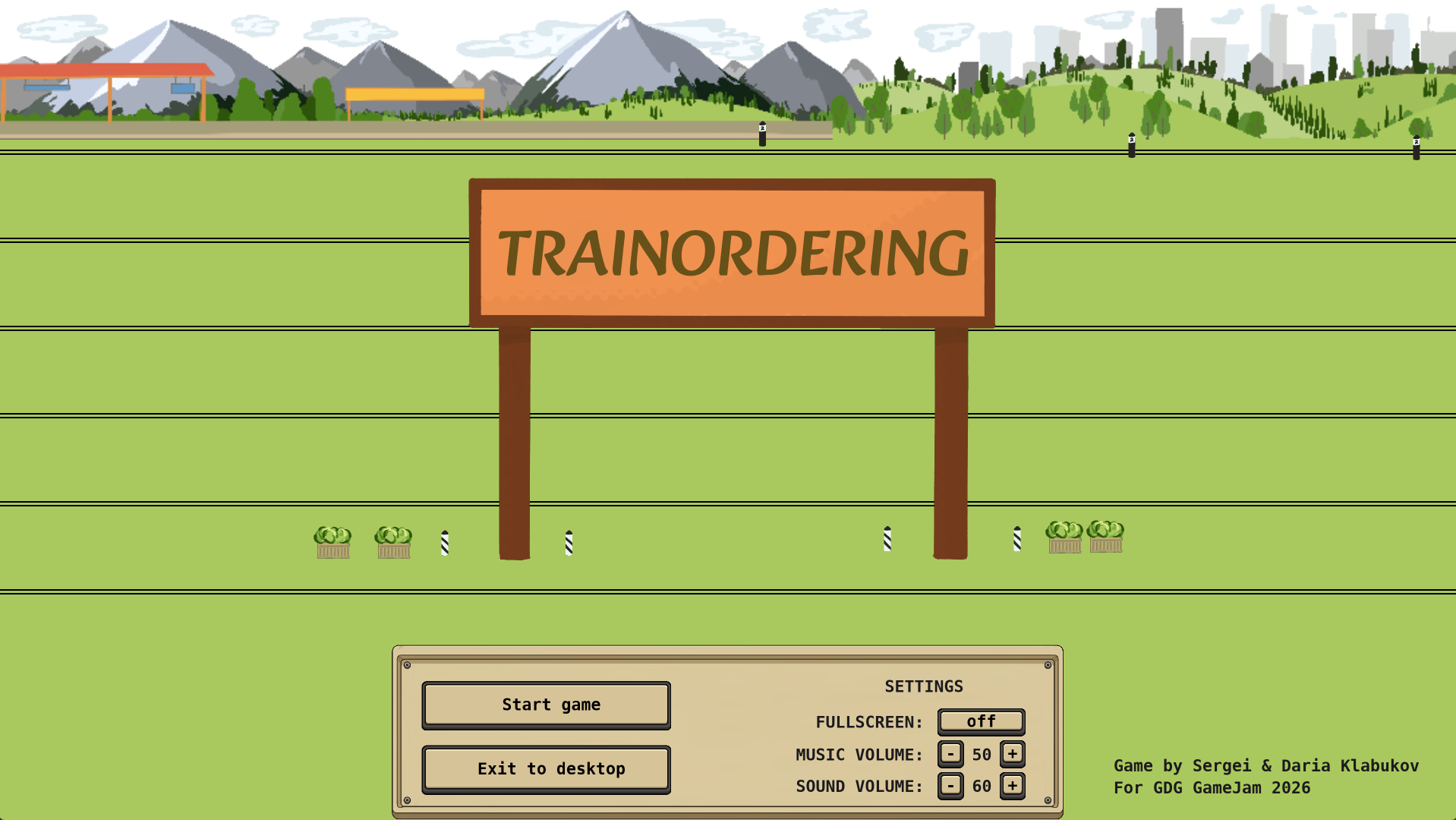
TrainOrdering is a side-view train dispatcher game about one very bad shift.
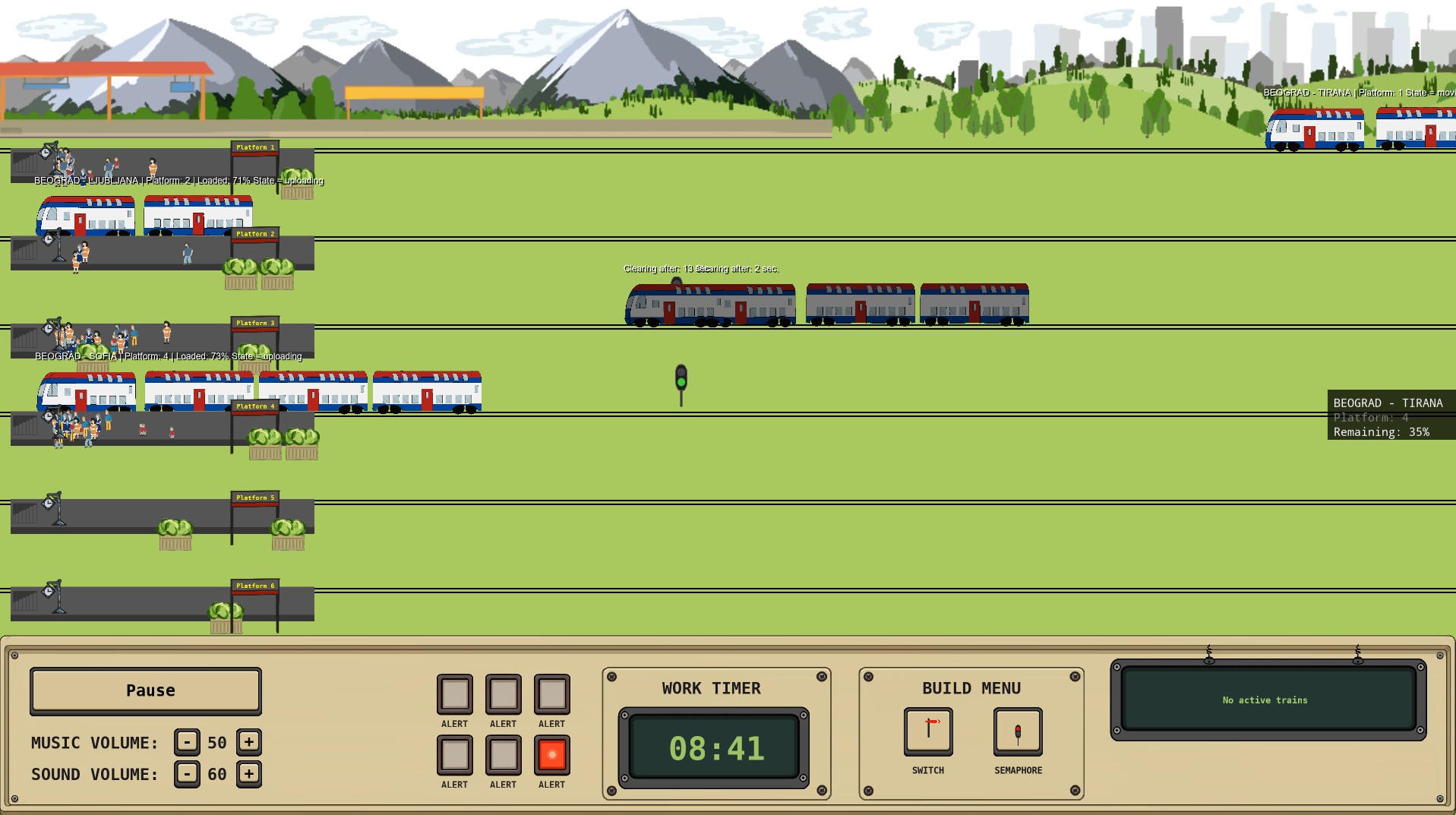
Six tracks. Six platforms. A ten-minute shift. Trains arrive from the right and they do not wait for you to be ready. Every train carries wagons and passengers, and every train needs a platform — the one you choose for it.
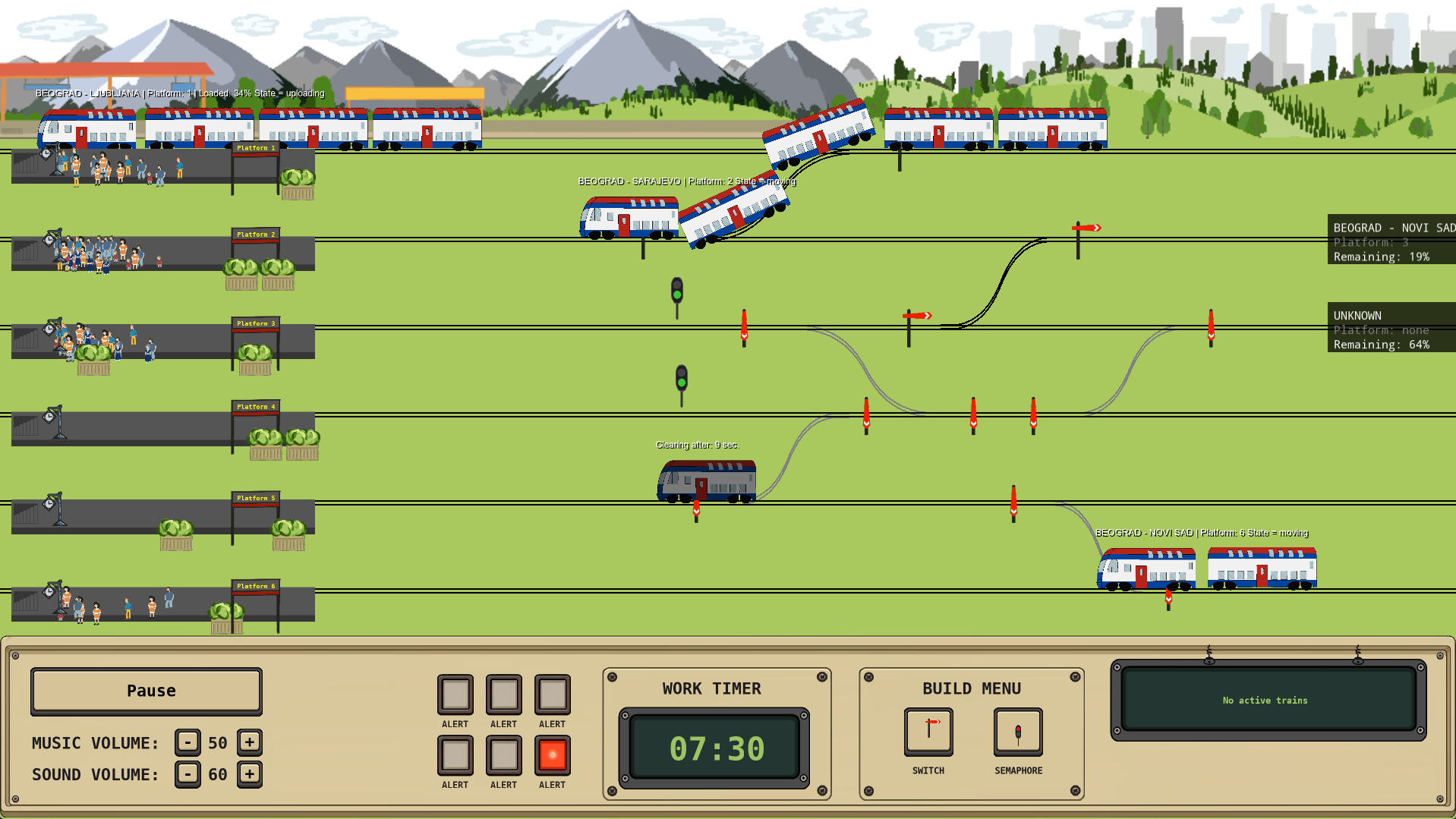
You never drive a train. You control the station: you switch signals, you route traffic, and you build new track connections while the traffic is still moving.
Two trains on one track is a crash. Every crash costs you a red alert. Run out of alerts and the shift ends early with YOU ARE FIRED. Survive all ten minutes and you get your report card: passengers moved, trains served, trains missed, trains wrecked.
Mechanics
- Route every train. Each arriving train requests a destination. Assign it a platform and it drives there. Ignore it for too long and it rolls straight through the station — a lost train and a lot of angry passengers.
- Signals. Semaphores hold trains on red and release them on green. Two colors are enough to build order, or a total gridlock.
- Build during the shift. The station is not a fixed map. Place new semaphores wherever you need control, and draw connectors between tracks to move a train from a jammed line to a free one. The layout is yours.
- Switches. Every connector comes with switches on both ends. Set them to straight or turning to decide where a train actually goes.
- Momentum. Trains ramp up and slow down gradually, and long trains with wagons take a lot of track. Plan two moves ahead, not one.
- Passengers take time. People walk to their platform and board at their own pace. While they board, that train is parked on your track and blocking it.
- Red alerts. Six alerts, six chances. Crashes are permanent and very visible.
Controls
Routing trains
1–6— send the waiting train to that platformSpace— reject the current request (counts as a missed train)- You can also click the platform buttons on the panel instead of using the keys
Traffic
Left Mouseon a semaphore — toggle red / greenLeft Mouseon a switch — toggle straight / turning
Build mode
V— build mode: semaphoresB— build mode: connectorsLeft Mouse(semaphore mode) — place a semaphore on the nearest trackLeft Mousetwice (connector mode) — pick the first track, then the second, to draw a connector- The on-screen build buttons do the same thing
- While in build mode, existing signals and switches are locked, so you can't flip them by accident
Note: build mode is marked by a yellow border and a BUILD MODE label at the top of the screen.
Tips
- Build your semaphores before the traffic gets heavy — you will not have a free moment later.
- A connector is not just a shortcut, it's a parking strategy: park a slow train off the main line.
- When a platform closes, reroute early. Waiting until a train is already committed is how you get a red ticket.
Made with GameMaker for a game jam.
Download
Leave a comment
Log in with itch.io to leave a comment.